
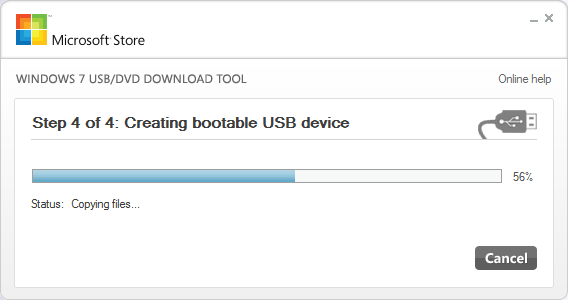
Ghacks points out that Microsoft’s own Windows 7 USB/DVD download tool works perfectly fine for Windows 8, so grab it and use that to image the Win 8 ISO file you downloaded onto your USB drive. The site has more detailed instructions and screenshots, but the utility is pretty straightforward.
How To Install Windows 8 From USB Key [Ghacks]
Originally published on Lifehacker
More:
- First Look At What’s New In Windows 8
- Windows 8 Blue Screen Of Death: Like A Sad Girl Texting You
- Windows 8 Slate (Tablet) Hands On: It’s Pretty Fantastic
- Everything You Need To Know About This Week’s Windows 8 News


Can you run an article on Windows 8 being able to boot from USB?
I dont mean install from USB, but being able to boot Windows 8 from a USB stick on any PC. A portable OS.
Then, once booted, accessing all your files on Skydrive.
Skydrive now has 25GB free storage and unlimited storage for images and Office documents.
And so, on that, with USB 3.0 or Thunderbolt combined with USB sticks being muuuch cheaper than solid state drives. . . could this be the way to go?
Good luck with drivers etc etc
Agree. Article on running Windows 8 from USB.
(or on Virtual Box)
Sounds familiar...
what about people on XP?
They are to be pitied.
Bahaha gold!
XP? You serious? People still clinging to that old relic?
Upgrade to an OS that isn't at EOL support.
XP will only install if it thinks it's on a CD/DVD. If you can find a Scandisk pen drive, an old one, you can get a utility that increases the size of the "CD" install that's on it, and you can slipstream the xp install into it... (i have all the gear, just no inclination to do it anymore)
you know, you can make a USB installer for a vista/win7/win8 i guess using xcopy :\*.* /e/f/s :\ onto a clean active partition.
/Me thinks this is nothing new. Win 7 would with no hacking whatsoever.
This is my first time pay a quick visit at here and i
am genuinely impressed to read all at one place.