
 Sure, you’ve read the specs of all the little wheels inside the Samsung Galaxy Tab that make it work, but what does it feel like? How does it perform? What does it taste like? I’ve just had a hands on at IFA, and here are the answers to those questions and more. Except the taste one.
Hardware
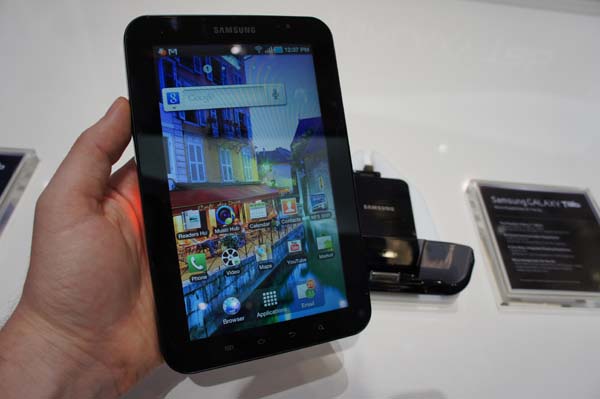
Small. Compact. Stylish. Fingerprint magnet. Versatile… These are all words I’d use to describe handling the Galaxy Tab in the flesh. The 7-inch tablet easily fit into the width of one of my man-hands, and despite the security cable continuously hoping to drag the device back down to its docking station, I could easily use it with a single hand.
For anyone who’s used either the Galaxy S or the Wave smartphones, you’ll instantly recognise the familiar TouchWiz user interface. The good news is that it’s not as cluttered or choppy as the smartphone version, which could have something to do with the Cortex A8 1.0GHz processor or the fact it runs Android 2.2 rather than 2.1.
It’s also evident that the UI has been tweaked a bit to make use of the extra screen real estate. Rather than having four locked shortcut buttons at the bottom of the home screen there are only three – Browser, Applications and Email. The rest of the five home screens are customisable, but those three are constant, even though the Galaxy Tab is capable of acting as a mobile phone with speakerphone, Bluetooth or wired headphones. Below the three shortcut buttons on the bottom of all the home pages are four soft keys which are common to most Android devices.
Applications
But there’s another side to the device that separates it from the iPad: Software.
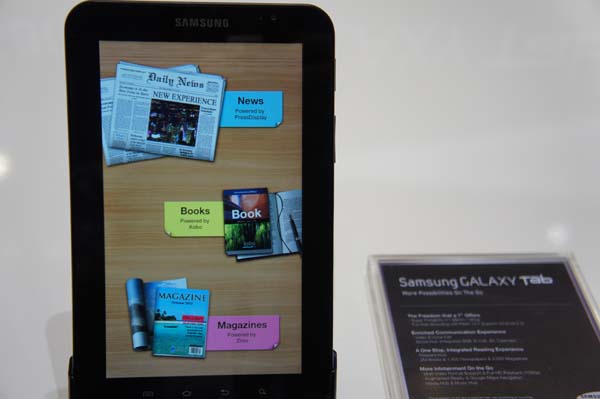
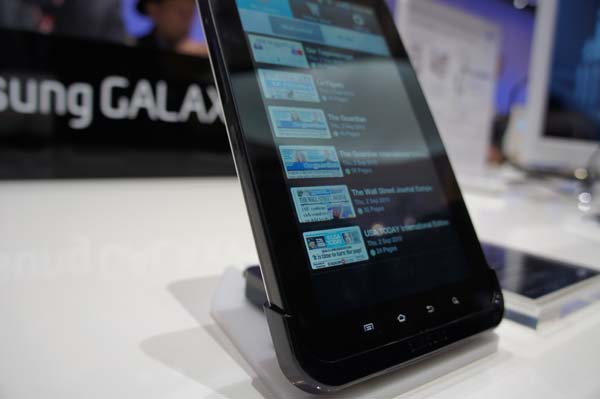
The Readers Hub is a combination application powering a trio of ereading software – Kobo for eBooks, PressDisplay for international newspapers and Zinio for magazines. All three worked exactly as you’d expect, and were quick to launch and turn pages.
Email is almost a carbon copy of the iPad’s email app – when vertical, you get to see one email in depth, horizontal you get to see your inbox down a side panel. Swype is also included in the Galaxy Tab, but it isn’t as effective an input tool on the larger screen – I immediately preferred typing with two thumbs.
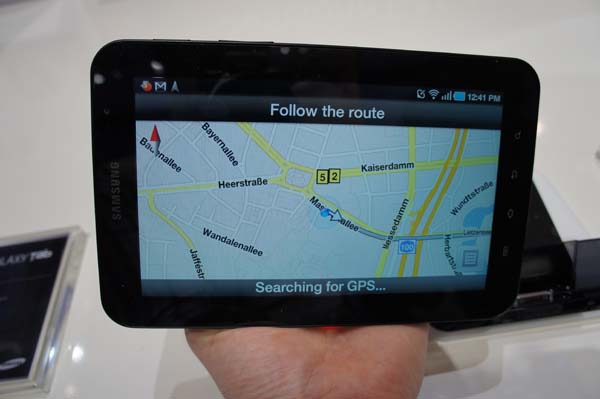
Maps incorporates Google’s beta turn-by-turn navigation software (or it will in regions that support it, or not Australia), and although I was inside and unable to get a GPS lock, it was certainly easy to choose a destination and ask the device to navigate there. It was also very quick to respond to the request.
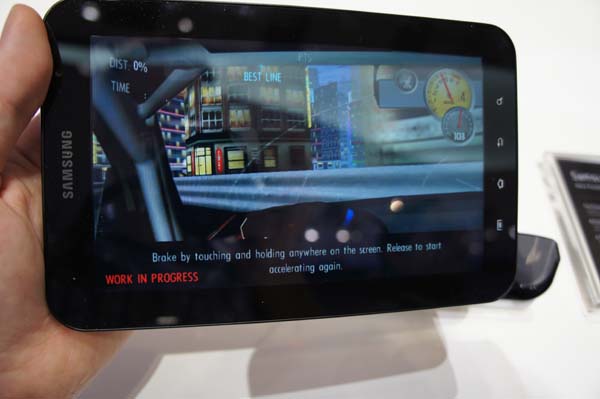
Need For Speed Shift kept telling me it was a “Work in Progress”. It looked fantastic though, despite the fact I kept crashing into the wall as I tried to take a photo without spotlights reflecting off the screen.
The camera and photo applications are just like any touchscreen smartphone app. The pics and video looked fine on the Tab’s screen, but that’s no way to truly test quality.
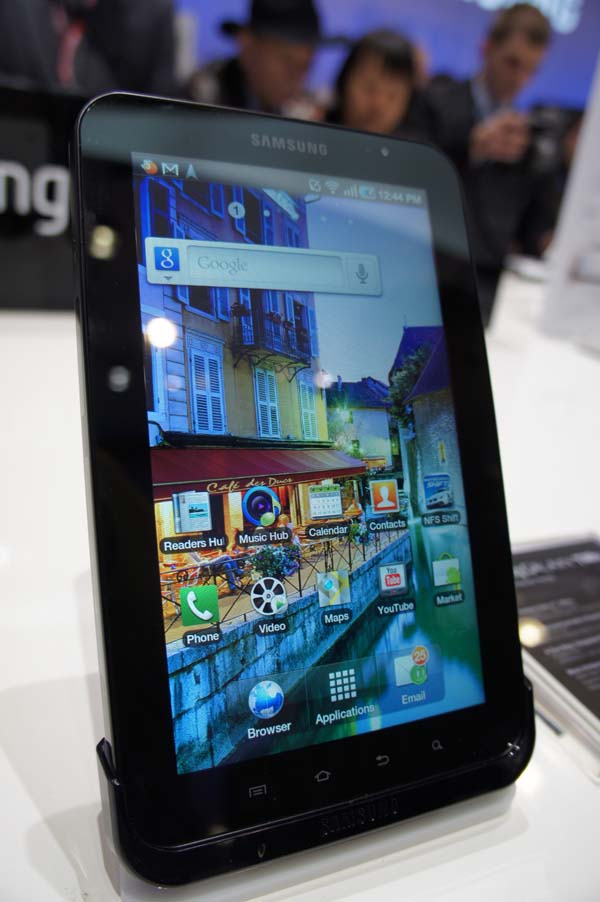
But there were a few things I wasn’t a fan of. I was the first person to get my hands on the particular demo unit I played with, yet within seconds it was a smudgy blur of fingerprint stains. The screen itself was also very reflective, which is likely to mean that using the Tab on the beach is never ever going to happen, and even outside you’re likely to struggle.
Plus, there’s the invariable fact that when it launches in Australia, things like Google Maps navigation, the Music Hub and possibly the reader hub will be either gimped or omitted from the device thanks to a lack of international content agreements.
But that shouldn’t dissuade you. It’s still a hot little tablet that’s going to serve as an offering for the growing market of people wanting a tablet that isn’t an iPad.
[Galaxy Tab on Giz]
Nick’s at IFA courtesy of Sony