iphoto
-

Why Apple Won’t Miss Aperture, And Neither Should You

Aperture, Apple’s pro software for cataloging and editing photos, is being put out to pasture. The move is indicative of what many see as the company’s continuing drift away from robust, capable software. But there probably won’t be many tears shed for good ol’ Aperture, which always seemed to be running an uphill battle.
-
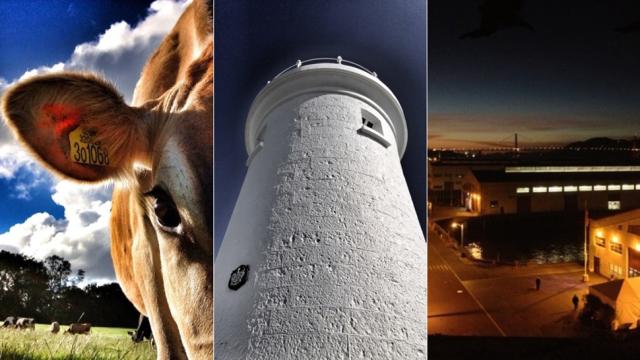
Dear Apple, Let’s Talk About Photos
We’ve been managing our photos together for almost a decade now. Things were nice and simple at the start and we both knew what to expect from each other — I pulled my photos off my camera on the computer, imported them into iPhoto and arranged them. Life was good.
-
iPhoto For iPad Hands On: Pretty And A Bit Stupid?

You can buy a $5.49 version of iPhoto for your iPad now. You can edit your photos to make them look better, on your iPad. It looks very handsome. But it’s also confusing, superfluous, and a little dumb.


-
If You’re Not Apple, You Need To Stop With The iNames
In the lead-up to CES my inbox is flooded with literally hundreds of pitches every day. I swear, one out of five has been for an iSomething. None of them were from Apple. iNeed you to friggin’ stop it.