feed readers
-
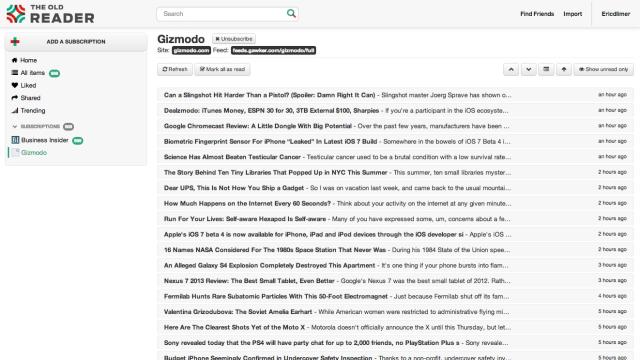
Even Google Reader Replacements Are Shutting Down

When Google Reader finally closed its doors, it shoved thousands of teary-eyed RSS fans into cyberspace, adrift, where we flailed around desperately for a suitable replacement. Many services rose to the challenge, but the incoming wave was a lot to handle. Too much for one of our favourite alternatives — The Old Reader — which…

-
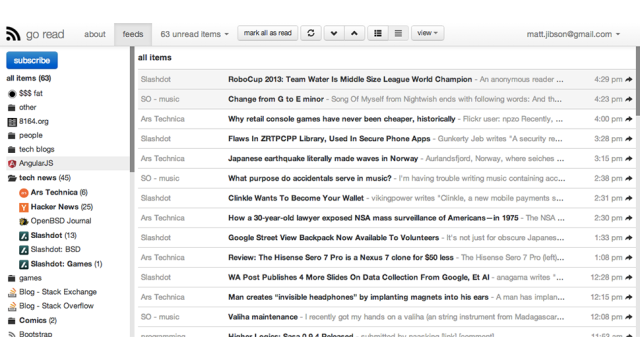
How A Lone Coder Cloned Google Reader
When Google Reader announced it was shutting down a few months ago, most of us stamped our feet, panicked and went running into the arms of another RSS reader. But Matt Jibson is different. Unlike most of us, he can crunch code. So he built a Google Reader of his very own own.
-
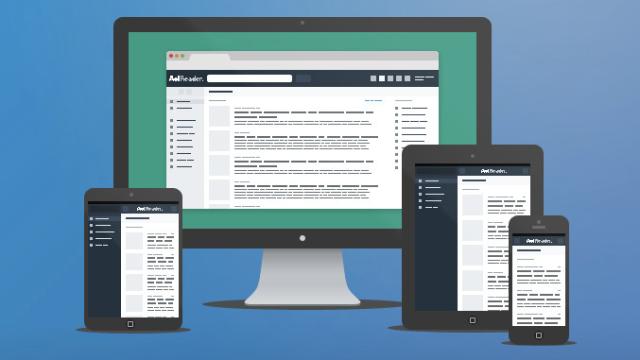
AOL Reader: Simple And Fast, But Hardly Groundbreaking

With Google Reader ready to tap out, it seems like everyone is keen to throw their hat into the feed reader ring. The latest offering is from AOL, and it’s simple, fast and lacking any unique features — although that’s not necessarily a bad thing.

-
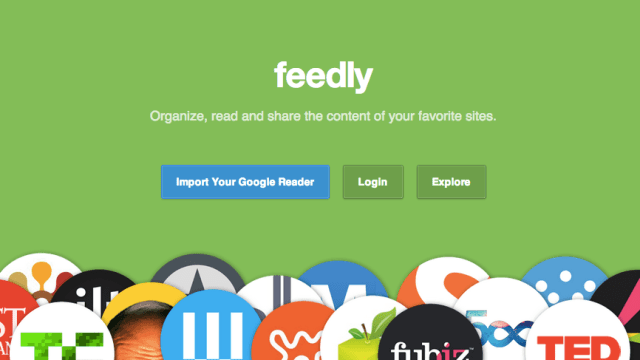
It’s Now Super Easy To Jump From Google Reader To The Best Alternative
With Google Reader about to meet its maker, everyone’s looking for a good alternative. Well, Feedly just rolled out an entirely cloud-based version of its reader, which makes it easier than ever to jump the Google ship — and it’s well worth checking out.